Refrigerator Repair
 Dishwasher Repair
 Washer Repair
 Electric Dryer Repair
 Oven Repair
 Stove/Cooktop Repair
 Freezer Repair
 GAS Appliance Repair
 Appliance Installation
How to Fix a dC Code on a Samsung Dryer – RightFix Guide
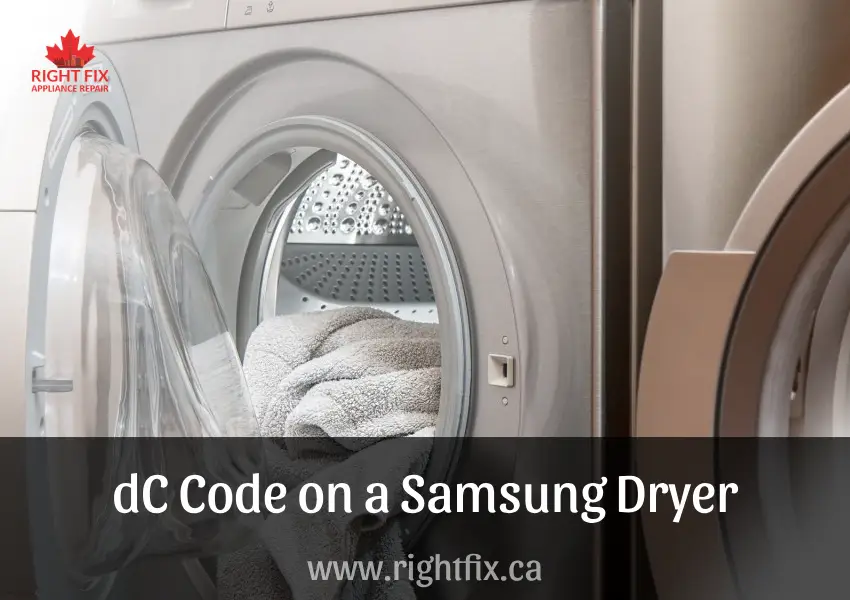
The dC error code on a Samsung dryer is a common issue that many users encounter. This code indicates a problem with the door locking mechanism, preventing the dryer from starting as a safety precaution. Addressing the issue promptly ensures proper functionality and prevents long-term damage.
This guide from RightFix provides a detailed, step-by-step approach to fixing the dC code, troubleshooting persistent errors, and adopting preventive measures to avoid future occurrences.


Understanding the dC Code on a Samsung Dryer
The dC error code signals that the dryer door is not properly closed or that the door sensor is malfunctioning. This safety feature ensures the door is securely shut before the dryer operates, preventing accidents and protecting the appliance.
Common causes include a misaligned door, faulty latch, or sensor malfunction. Identifying these triggers is the first step toward an effective solution.
Common Causes of the dC Code
The dC error code can be caused by the following issues:
1. Obstructed Door Seal
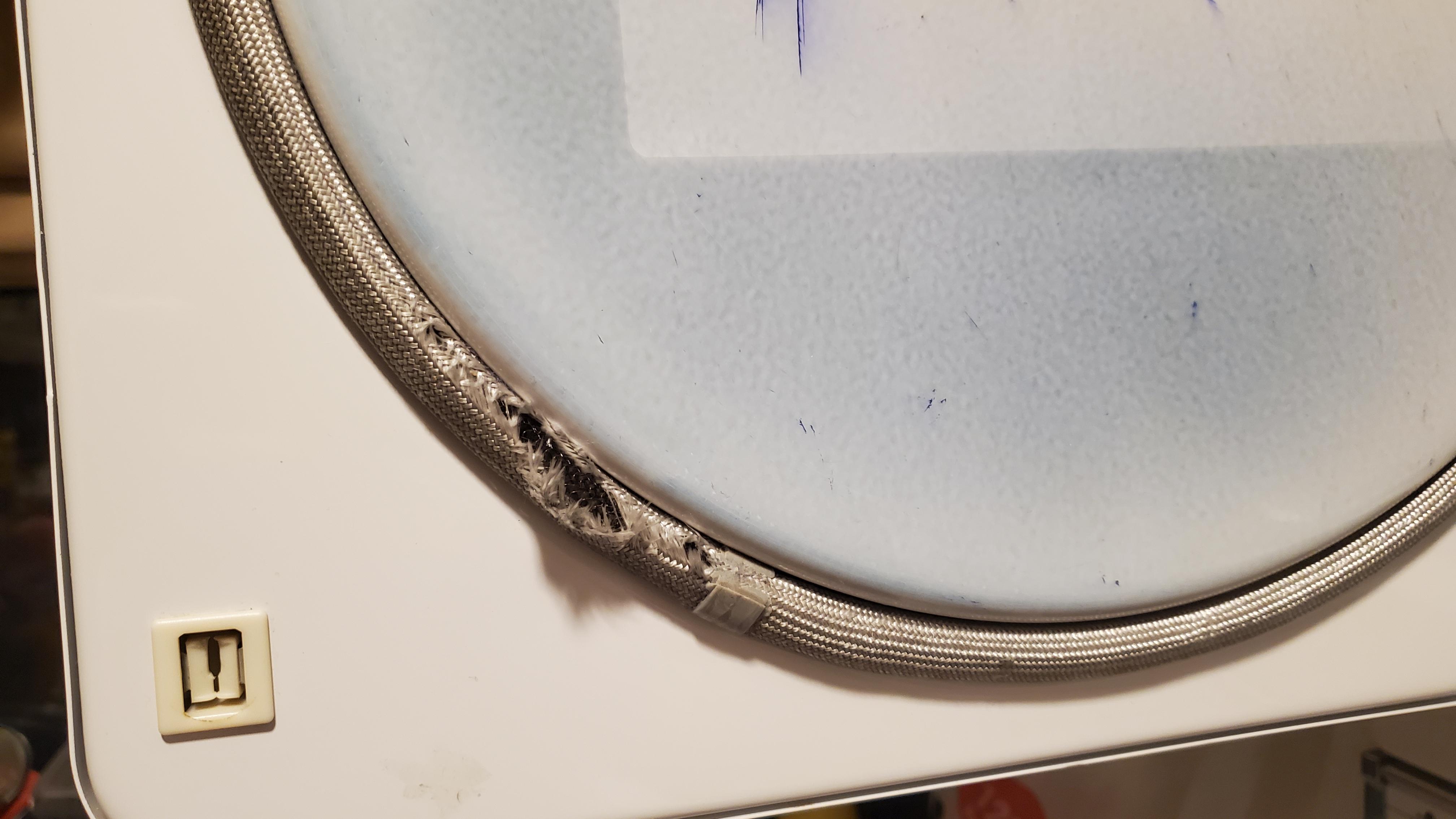
Lint, dirt, or clothing fibers can accumulate around the door seal, preventing proper closure. Regularly cleaning the seal ensures smooth operation.
2. Overloaded Dryer Drum
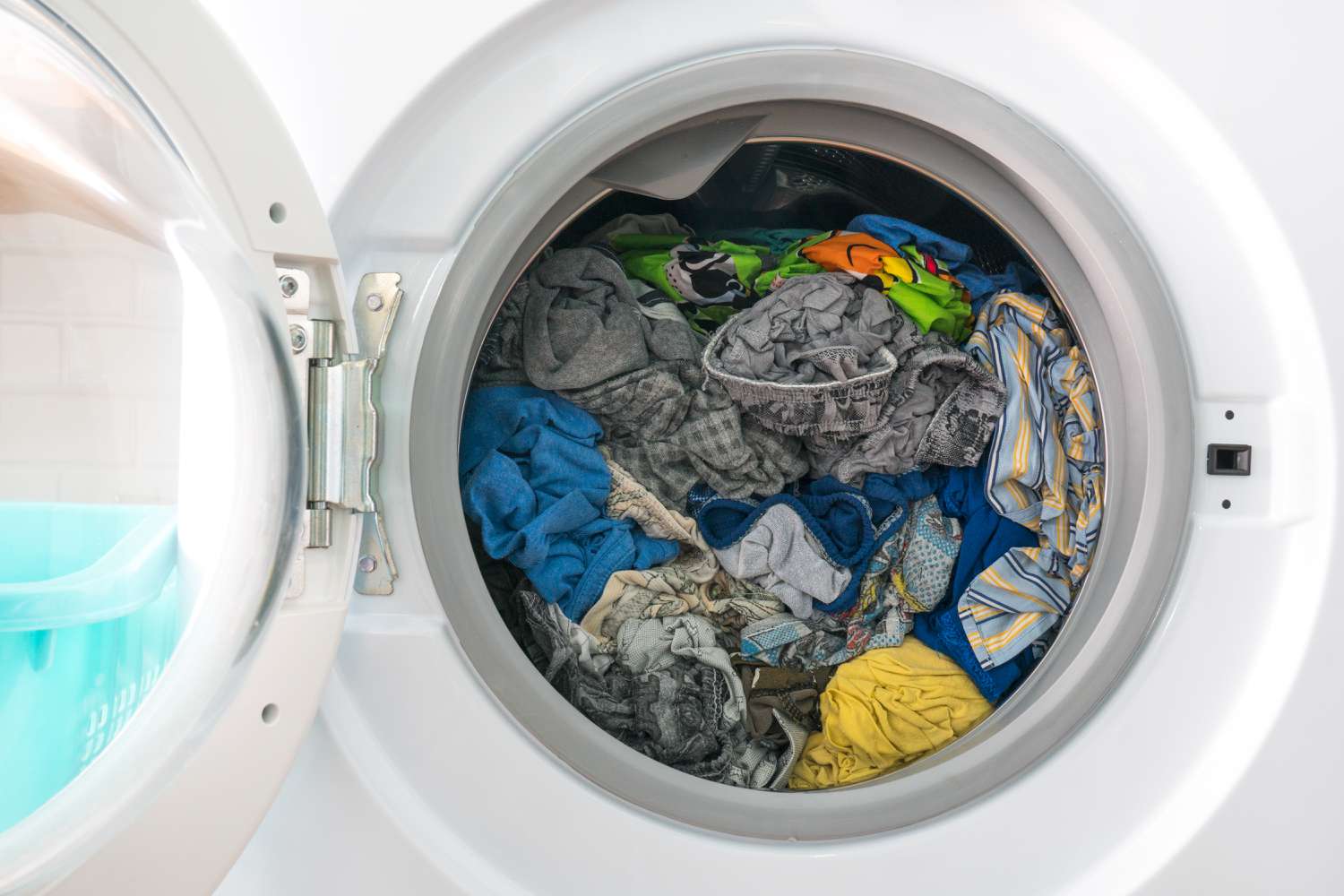
Excessive load, especially bulky items like comforters, can misalign the latch. Reducing the load within capacity prevents unnecessary strain on the door.
3. Faulty Door Latch
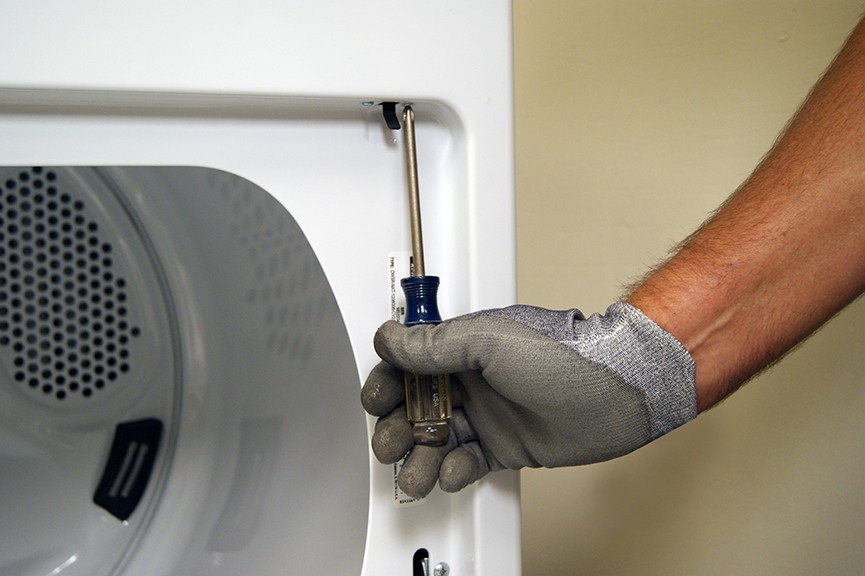
A loose, misaligned, or damaged latch may fail to secure the door, triggering the error. Inspecting and replacing the latch if necessary is essential.
4. Misaligned Door
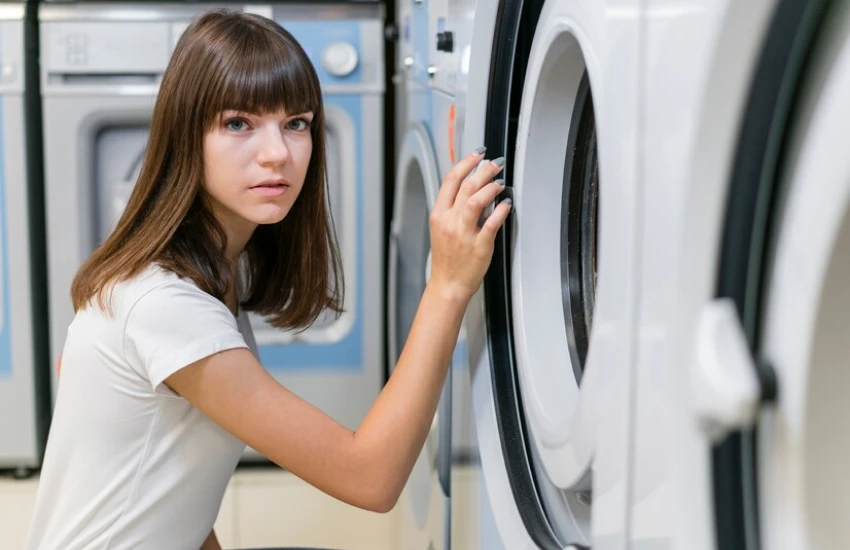
Frequent use or rough handling can cause door misalignment, preventing proper engagement with the latch. Ensuring a level installation helps prevent this issue.
5. Malfunctioning Door Sensor
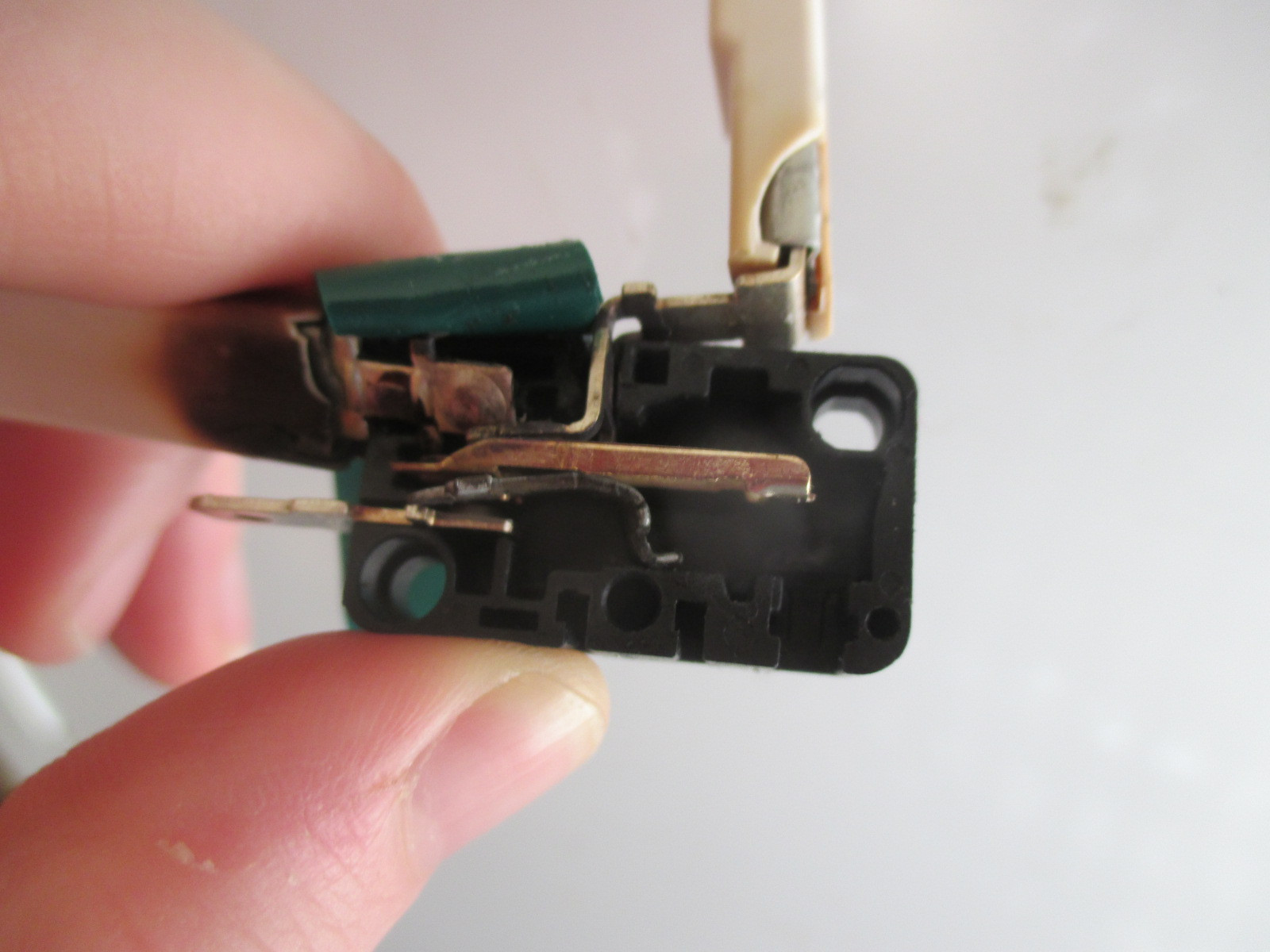
A dirty or defective door sensor may incorrectly signal that the door is open. Cleaning or replacing the sensor may resolve the error.
6. Electrical Interference
Power surges or wiring issues can disrupt the dryer’s internal systems, including the door lock mechanism. These issues often require professional assistance.
Step-by-Step Guide to Fixing the dC Code
Follow these steps to resolve the dC error code:
Step 1: Inspect and Clean the Door Seal
-
Open the dryer door and check for obstructions.
-
Use a damp cloth to clean the seal and surrounding area.
-
Remove any debris that may block closure.
Step 2: Check the Load Inside the Dryer
-
Reduce the load if the drum is overloaded.
-
Ensure even distribution of clothes to prevent pressure on the door.
Step 3: Test the Door Latch
-
Inspect for damage or misalignment.
-
Realign the door carefully and close it firmly.
-
Ensure the latch clicks into place securely.
Step 4: Reset the Dryer
-
Unplug the dryer and wait at least five minutes.
-
Plug it back in, close the door, and start a cycle to test if the error clears.
Step 5: Inspect the Door Sensor
-
Check for dirt or misalignment.
-
Wipe the sensor with a soft, dry cloth.
-
If necessary, replace the sensor.
Step 6: Update Dryer Firmware
-
Visit the Samsung Support Page for firmware updates.
-
Follow instructions to install updates that may fix software-related errors.
Troubleshooting Persistent dC Errors
If the error code persists, try the following:
-
Inspect Internal Wiring – Electrical issues may prevent the door sensor from functioning. A professional inspection may be needed.
-
Check for Physical Damage – Look for cracks or damage in the door, latch, or frame and replace components as required.
-
Contact Samsung Support – If troubleshooting fails, visit the Samsung Support Page or call customer service for expert assistance.
When to Call a Professional
Professional help may be required for:
-
Persistent error codes despite troubleshooting.
-
A damaged or broken door latch needing replacement.
-
Internal wiring issues or control panel malfunctions affecting operation.
By following these steps, you can resolve the dC error code and maintain your Samsung dryer’s efficiency. If issues persist, RightFix is here to help with expert Samsung appliance repair services!
Frequently Asked Questions (FAQs)
What does the dC error code mean on a Samsung dryer?
Why won’t my Samsung dryer start and shows dC?
How do I fix the dC error code on a Samsung dryer?
Can I reset the dC error code without fixing the issue?
Is it safe to use a dryer with a dC error code?
What are the most common causes of the dC error code?
When should I call a technician for a dC error?
Location we Service
- Ajax
- Alliston
- Aurora
- Bolton
- Bradford
- Brampton
- Brantford
- Burlington
- Caledon
- Cambridge
- Etobicoke
- Georgetown
- Guelph
- Hamilton
- Innisfil
- Keswick
- King City
- Kitchener
- Kleinburg
- Maple
- Markham
- Milton
- Mississauga
- New Tecumseth
- Newmarket
- North York
- Oakville
- Orangeville
- Oshawa
- Pickering
- Richmond Hill
- Scarborough
- Schomberg
- Stouffville
- Thornhill
- Toronto
- Unionville
- Uxbridge
- Vaughan
- Waterloo
- Whitby
- Woodbridge